




A hundred branches, one true picture.
Kiosk, register, mobile ordering, staff, shifts and the supply network on one platform. Head office sees what happened; the branch knows what to do.
- 11 modules
- 63 screens
- 4 surfaces
- 3 languages
- No credit card required
- Same-day setup
- No branch limit


Trust and compliance
Security details →- KVKK compliant Personal data is processed and stored in line with Turkish data protection law (KVKK).
- Hosted in Türkiye Application, database and backups live in data centres in Türkiye.
- ISO 27001 Operated in line with the information security management standard.
- Encryption and 2FA TLS-encrypted traffic, two-factor sign-in and per-brand data isolation.
The whole business of a chain in one system
From the sale at the counter to payroll at head office, from the credit notebook to the branch report. Flactrum is not a pile of separate programs trying to talk to each other; it is one platform whose 63 screens share the same data model.
- On the floor
- Register, kiosk, mobile ordering, kitchen display, order board, table layout, receipt printer.
- In operations
- Branch board, menu and recipes, stock and waste, supply, audits, shifts.
- At head office
- Customer accounts, register and day-end, HR and payroll, report studio, documents and chat.

Don’t wait for a report to see what went wrong at 08:00
The console ranks every branch by the same measures: opening checks, stock, staffing gaps, audit score. Outliers rise to the top and the fix lands at the branch as a task.
- Deviation alerts go out over WhatsApp and email
- Area managers see only their own branches
- POS, accounting and e-invoicing integrations ready
| Branch | Revenue | Basket | Status |
|---|---|---|---|
| Nişantaşı | ₺48.200 | ₺132 | Normal |
| Kadıköy | ₺31.640 | ₺118 | Stock |
| Bornova | ₺27.910 | ₺104 | Normal |
| Çankaya | ₺25.380 | ₺97 | Staffing |
Every screen on the counter speaks the same data
Register, kiosk, kitchen display, order board and the mobile apps all write to the same order record. Close a product at head office and it closes on the kiosk and for the courier too.
 Register (POS)
Touch selling, table, takeaway and delivery, split payments, refund and void permissions, shift register and day-end.
Register (POS)
Touch selling, table, takeaway and delivery, split payments, refund and void permissions, shift register and day-end.
 Self-service kiosk
Portrait screen, upsell prompts, allergen and calorie info, contactless payment, queue-number ticket.
Self-service kiosk
Portrait screen, upsell prompts, allergen and calorie info, contactless payment, queue-number ticket.
 Kitchen display
Queues per station, preparation timers, late orders pushed to the front.
Kitchen display
Queues per station, preparation timers, late orders pushed to the front.
 Order board
The “preparing / ready” screen guests watch, with the call-out notification.
Order board
The “preparing / ready” screen guests watch, with the call-out notification.
 Mobile apps
Flactrum Management for the back office, Flactrum Kiosk for self-service — on Android devices.
Mobile apps
Flactrum Management for the back office, Flactrum Kiosk for self-service — on Android devices.
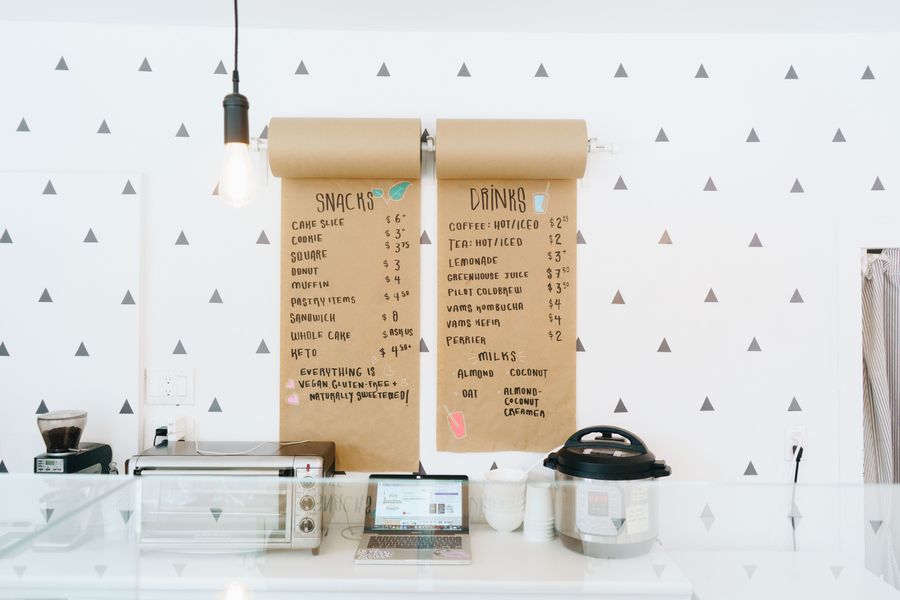 Receipt printer agent
Installers for Windows, macOS and Linux: the agent on the computer prints the receipt, not the browser.
Receipt printer agent
Installers for Windows, macOS and Linux: the agent on the computer prints the receipt, not the browser.
 Table layout
The floor plan on screen: which table is busy, which bill is open, who is serving it.
Table layout
The floor plan on screen: which table is busy, which bill is open, who is serving it.
 Device fleet
Registers, kiosks and tablets are paired centrally; a lost device locks remotely.
Device fleet
Registers, kiosks and tablets are paired centrally; a lost device locks remotely.
From 06:30 in the morning to 23:00 at night, one system
Every step produces the data the next one needs; nobody types the same thing twice.
- 06:30 06:30 Opening The branch manager completes the checklist with photos; missing equipment lands at head office as a task.
- 08:00 08:00 Morning rush Kiosk and register write to the same queue, the kitchen display shows the order, stock comes off the recipe.
- 12:30 12:30 Peak Mobile and marketplace orders reach the same kitchen; a delay notifies the area manager.
- 17:00 17:00 Shift handover An interim count is made, the handover note written, open shifts flagged on screen.
- 23:00 23:00 Day-end Z report, the reason for any cash variance, and the count envelope QR from the receipt printer.
- Next Next morning Reporting Revenue, waste, labour cost and outstanding credit reach head office as a scheduled report.

From the menu to payroll, one record
Recipe cost feeds off stock, stock off purchasing, purchasing off sales. The same number never comes out two different ways.
Regional price lists, menu versioning, bundle campaigns and loyalty.
Theoretical-usage variance, spoilage versus comps, expiry-date alerts.
Weekly plans, shift swaps, timesheets, leave, documents and payroll export.
Z report, cash variance, the day-end count envelope QR printed on the receipt printer.
Photo checklists, hygiene scores, re-audit tracking.
Channel mix, profitability, royalties; build your own report and export it.
Automatic order suggestions, head-office approval, goods receipt, branch-to-branch transfers.
Furniture, equipment and device inventory; periodic counts and assignment.


The conversation and the document belong here too
Stop branch-to-head-office traffic scattering across WhatsApp groups and contracts living in files on somebody’s laptop. Messaging and the document editor are inside the panel.
The credit notebook does not belong under the counter
A regular who settles monthly, a company buying coffee for its staff, a staff account… Customer accounts work in the same place as the register and the reports.
- On account at the register A sale over the limit is stopped; in a split payment only the credit part goes to the account.
- Statement and collection The period statement prints with the balance brought forward; a collection enters the drawer as cash.
- Register and day-end Z report, the reason for a cash variance, the denomination sheet and the sealed count envelope.
- Profitability Branch P&L, channel mix, royalties and your own reports from the report studio.


From trial to live in three steps
Upload branches and the menu
Import branches, products and staff from Excel. Start with two branches and scale from there.
Define your standards
Opening checklists, audit forms, order thresholds and permissions. Pick from ready-made franchise templates.
Bring the field in
Branch managers see their tasks in the mobile app. Our training team is with you the first week.
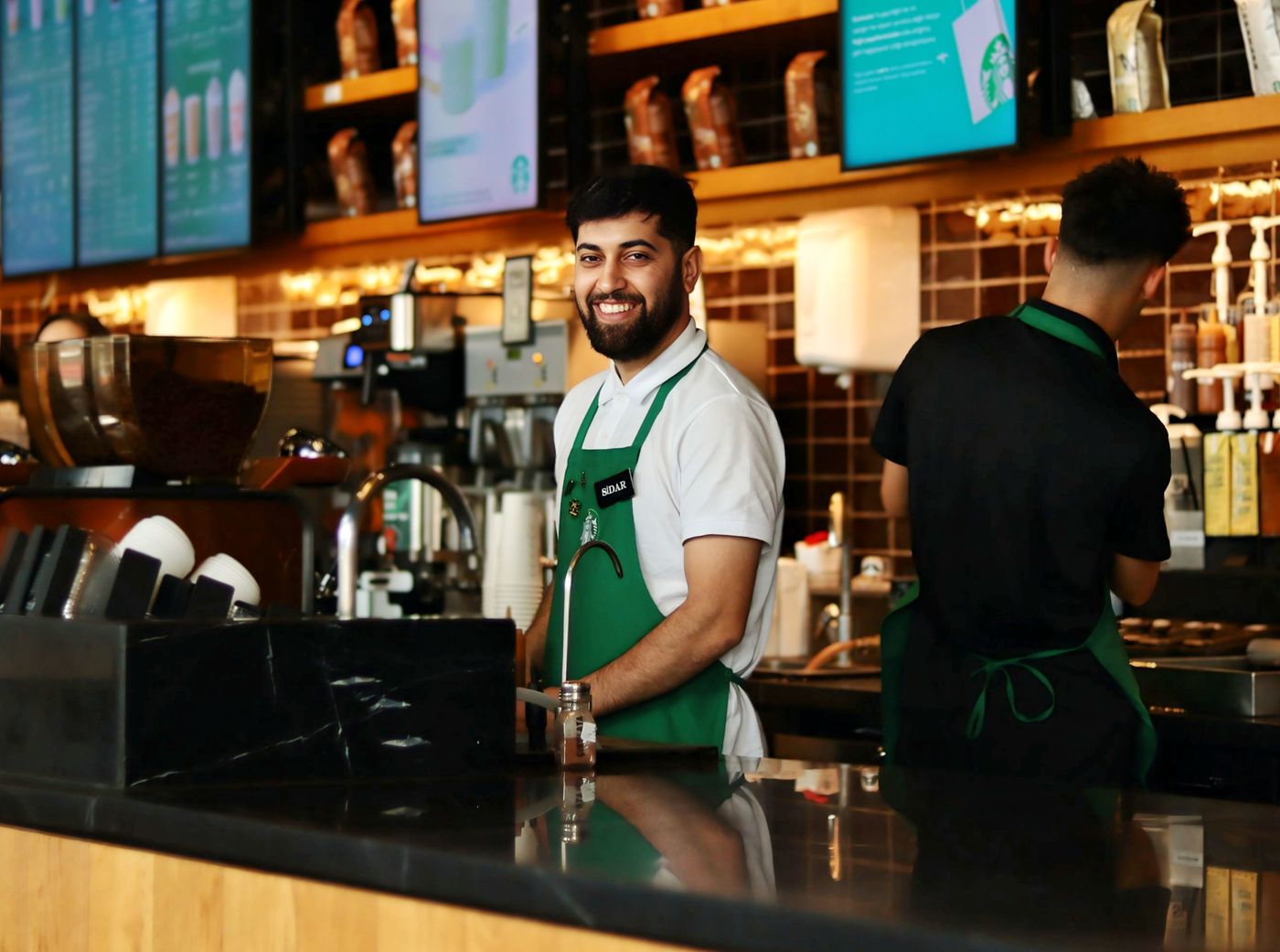
We’re on site with you the first week
We install the kiosk and register together at the pilot branch and train baristas and managers in person. Later branches go live remotely in 40 minutes.

You are not on your own after setup either
Built for multi-branch, multi-region, multi-language groups
Franchised and owned branches run in the same system without seeing each other’s data.


You don’t have to replace the systems you already use
Flactrum sits at the centre of the data; payment, accounting and marketplaces stay where they are.
Every brand’s data stays in its own compartment
Brand and branch isolation is enforced at the database level, and permissions are granted per page and per action. Exports, API keys and webhooks obey the same permissions.
Enforced at the database level; one brand’s query never reaches another’s rows.
Application, database and backups in data centres in Türkiye; KVKK-compliant retention.
Traffic encrypted with TLS, irreversible password hashing, two-factor authentication.
Daily encrypted backups, a 99.9% uptime target, a public status page.
“We used to run 46 branches off a spreadsheet. With ordering and audits in one place, our area managers got more than a day back each week.”
Try it with two branches, run it across a hundred.
14 days free, every module open, no credit card. We’ll help you load your data.